TOOLS I USE AS A DESIGNER
Every designer has their favourite tools. Mine are a mix of industry standards and nimble platforms that allow me to move quickly from idea to execution. In this blog, I break down the tools I rely on the most, and how they fit into my day-to-day creative process. From high-end design systems to no-code creativity hacks, this is my evolving digital toolbox.
Author
READ
Category
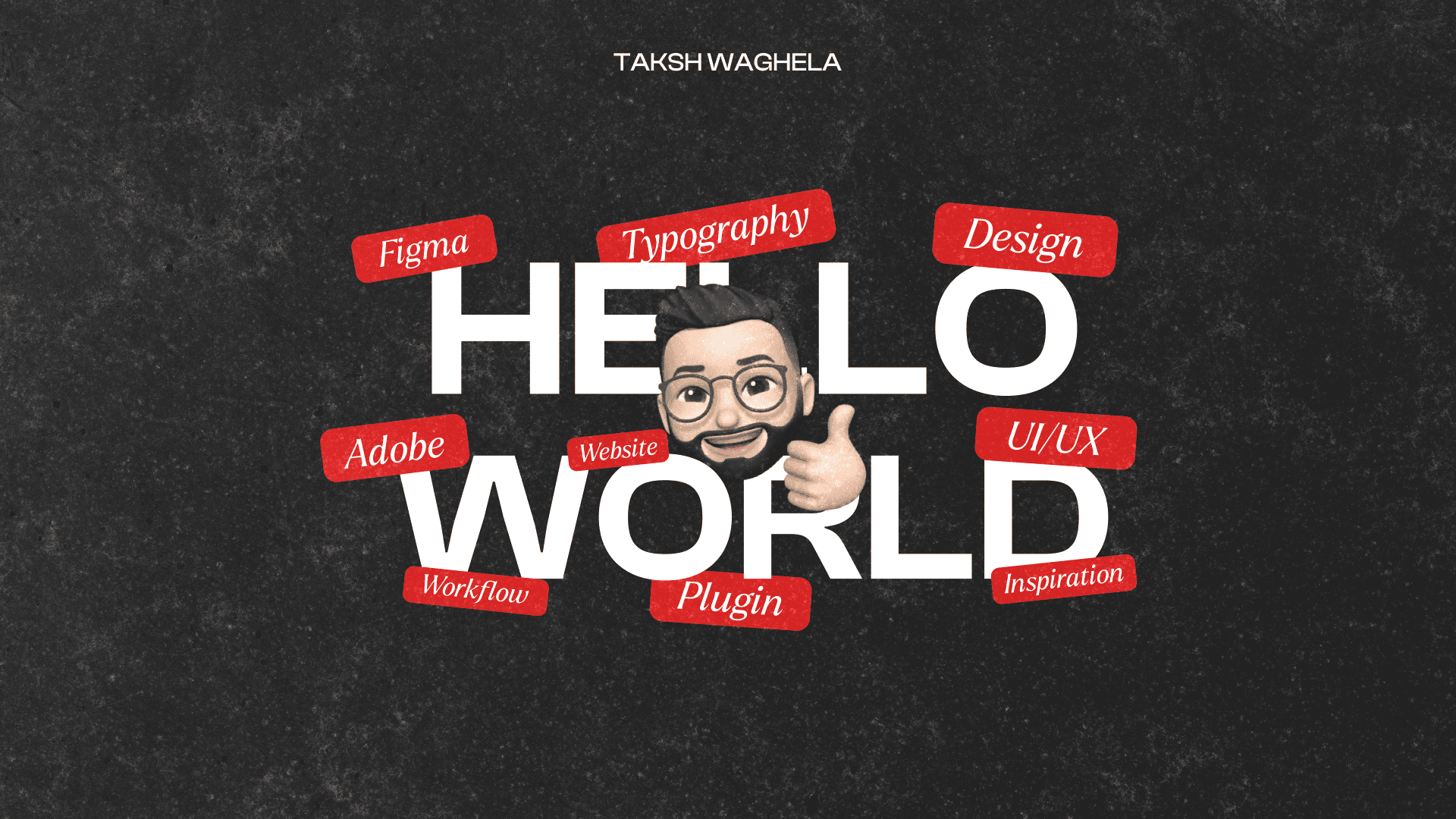
I primarily use Figma for interface design and prototyping, Adobe Photoshop and Illustrator for graphic design and digital imaging, and Sketch when building fast interface mockups. These tools cover nearly everything, from UI design and icons to layout for print and digital banners. I switch fluidly between these platforms depending on the type of work, but I always prioritise speed, compatibility, and visual control.

For quick visual experiments, I use Canva and Kittl. these are underrated design platforms that allow for fast ideation, especially when working on templates, carousels, or creative social posts. For ideation, copy refinement, and creative blocks, I use AI tools like ChatGPT to generate ideas, taglines, UX microcopy, or even placeholder text. These tools act like creative partners, helping me move from blank page to concept much faster.

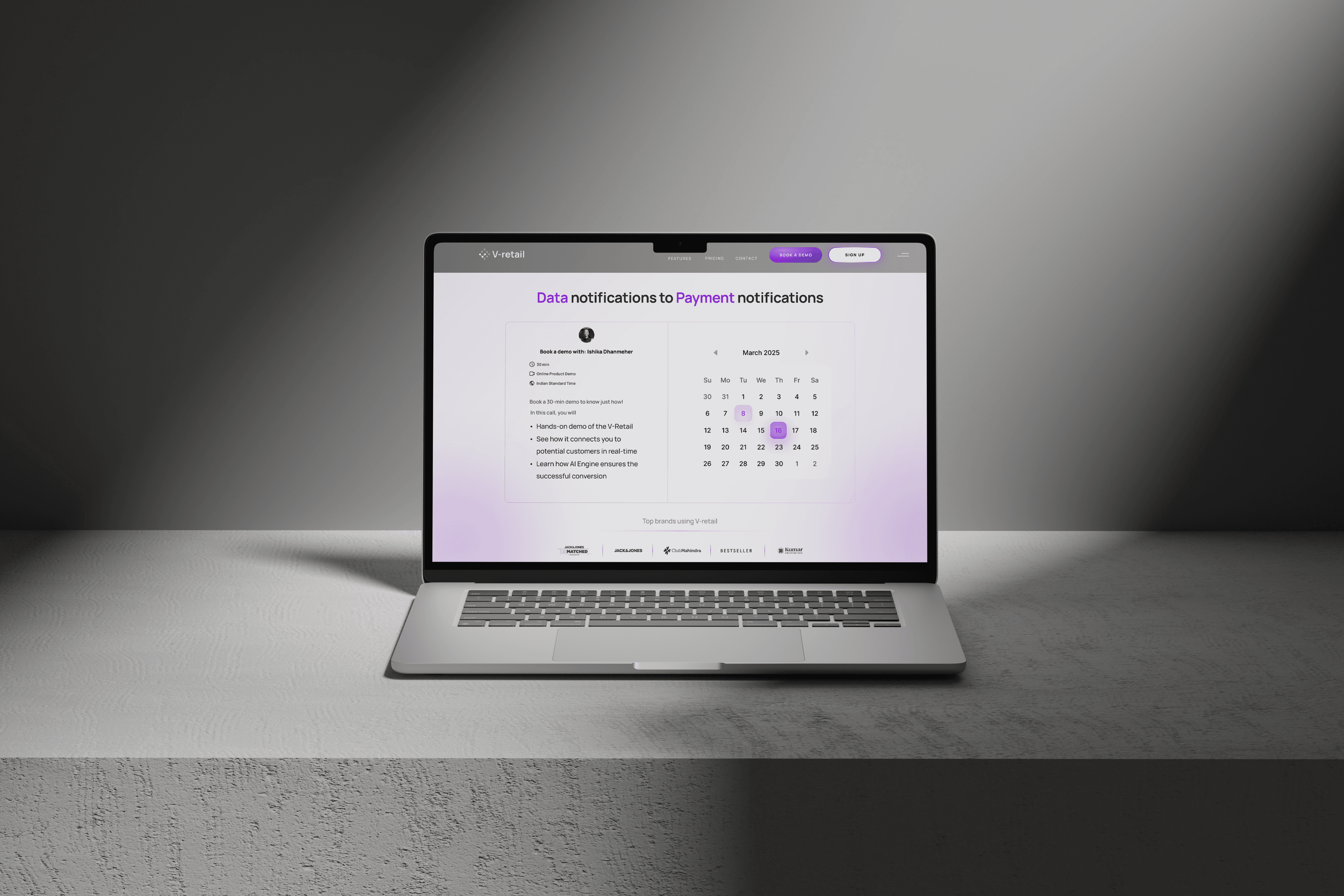
All of this runs on my MacBook Pro, which provides the speed and flexibility I need when switching between design, AI workflows, and browser tools. I use my Mac not just for its performance but because the entire creative ecosystem (fonts, colours, system shortcuts) is geared toward a streamlined, distraction-free process. With multiple desktops and a Retina display, I'm able to multitask without breaking immersion. This system supports my full-stack workflow—whether it’s UI, branding, or editing motion visuals.